
 A&P Ledger
Aircraft mechanic records · By Sunimod
A&P Ledger
Good work.
Well documented.
Keep the paperwork close to the work. Organize aircraft, customers, work records, original photos, tools, parts, quotes and invoices in one workspace on your phone.
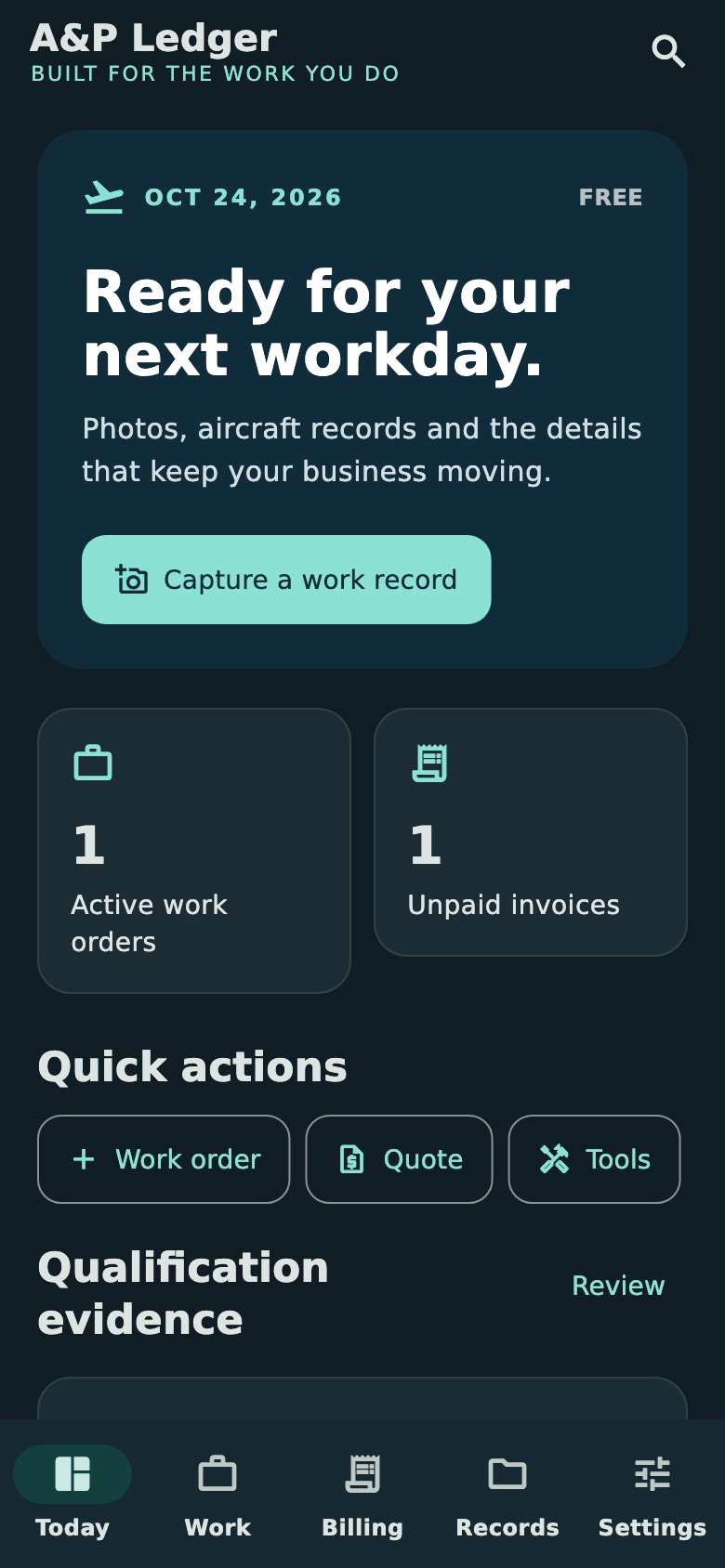
From the work order to the paperwork
Capture it. Connect it. Keep it.
Give each job a useful record, prepare the customer paperwork, and keep a portable copy of your collection.
Tie every detail to the job
Link work notes, labor time, outcomes and references to an aircraft and work order. Add original photos and supporting files to the relevant record.
Turn work into clear invoices
Build quotes and invoices from your work, generate a PDF on the device, and share it through your chosen app. Record payments and preserve issued-document history.
Protect records and originals
Create a password-encrypted backup of saved records and original attachments. Choose where to save it and restore it when you need to move or recover your collection.
Track tools and parts together
Organize parts, quantities, suppliers, costs and installation or removal notes. Keep tool serial numbers, locations and user-entered calibration dates close at hand.
Keep experience evidence organized
Keep certificate copies, training, recent-experience periods and Inspection Authorization activity evidence. The app records your information; it does not determine legal qualification.
Export the records you need
Create local PDF and CSV exports and share original files when you choose. Normal recordkeeping works offline, with light and dark appearance options.
Inside A&P Ledger
Keep the whole workday in view.
Move from today’s work to customer paperwork and the records behind it. Example records shown.
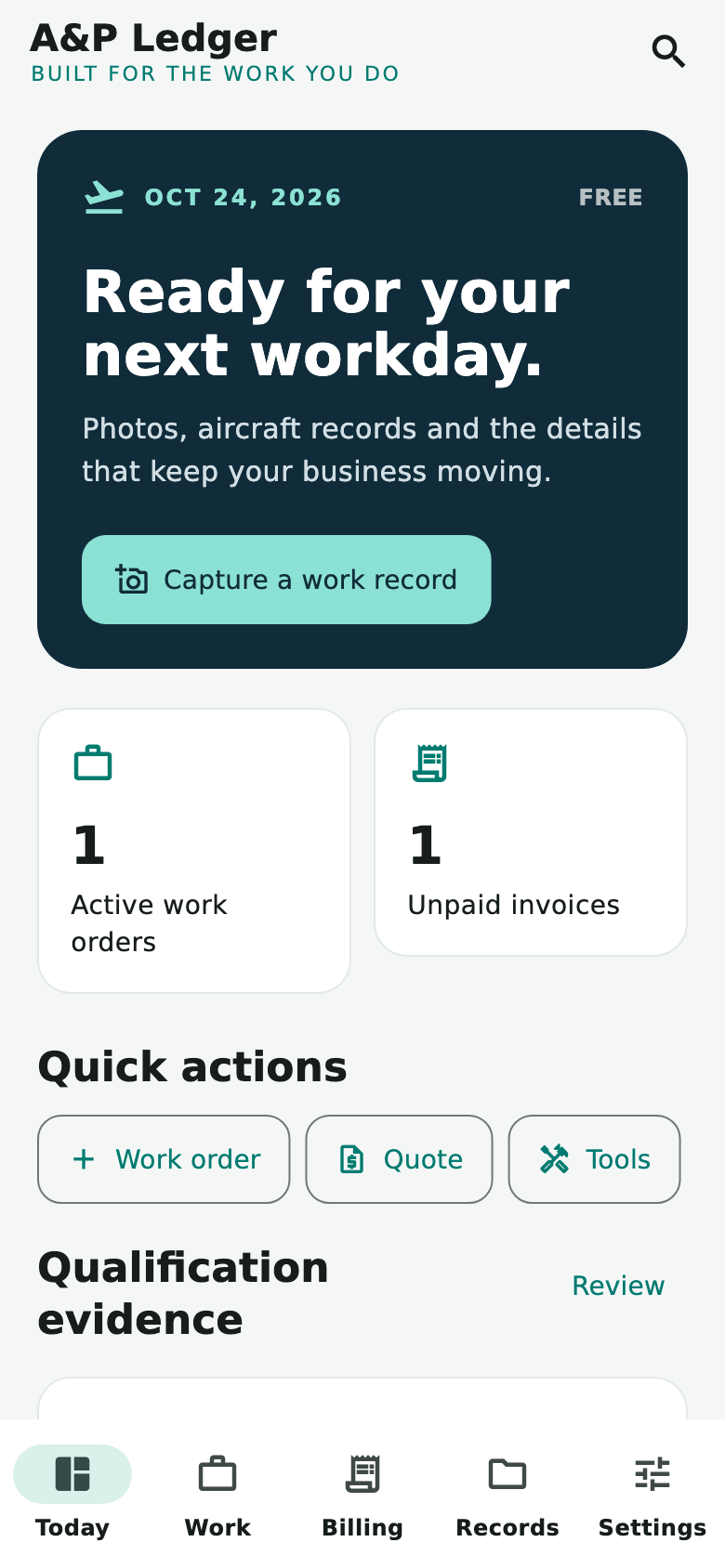
See work in progress, outstanding invoices and upcoming tool dates.
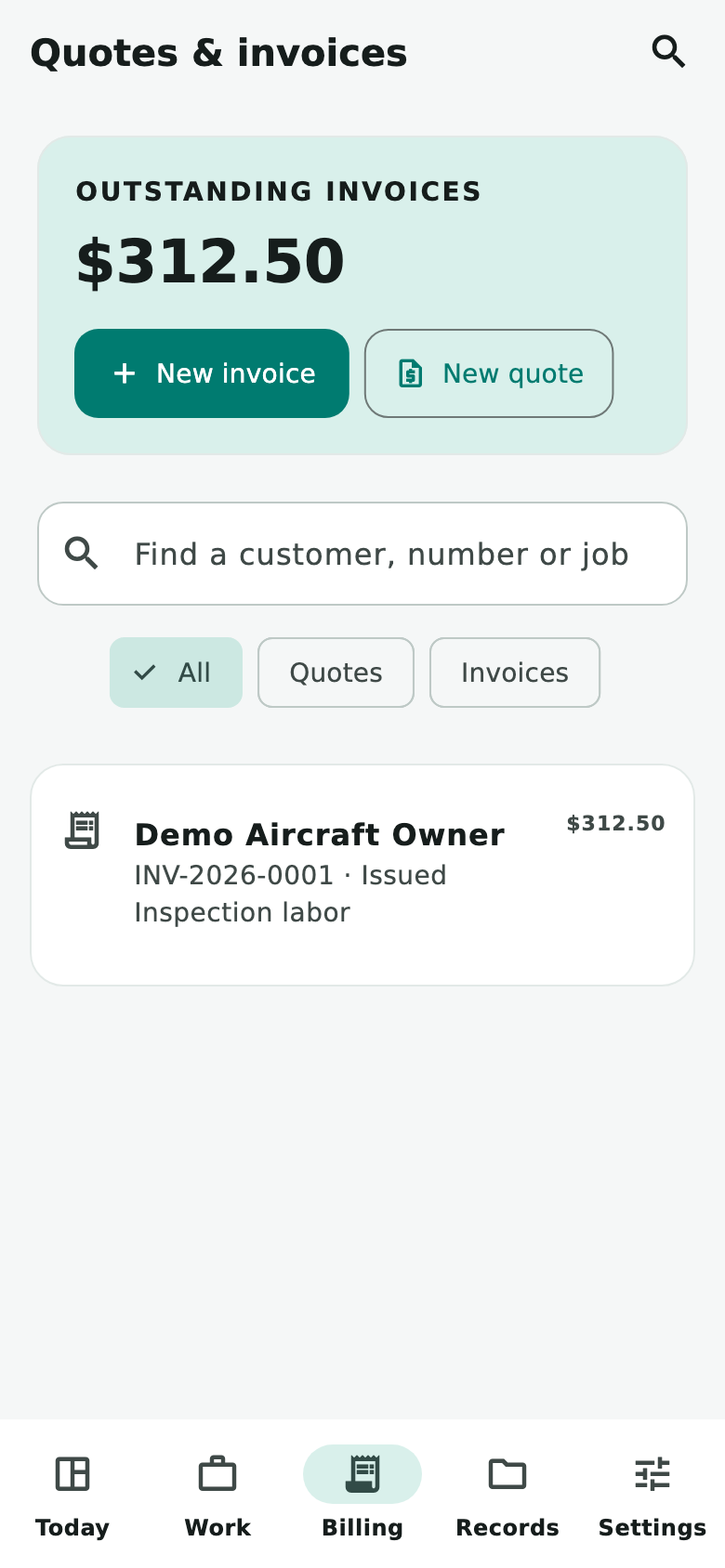
Find customer paperwork and track the amounts still outstanding.
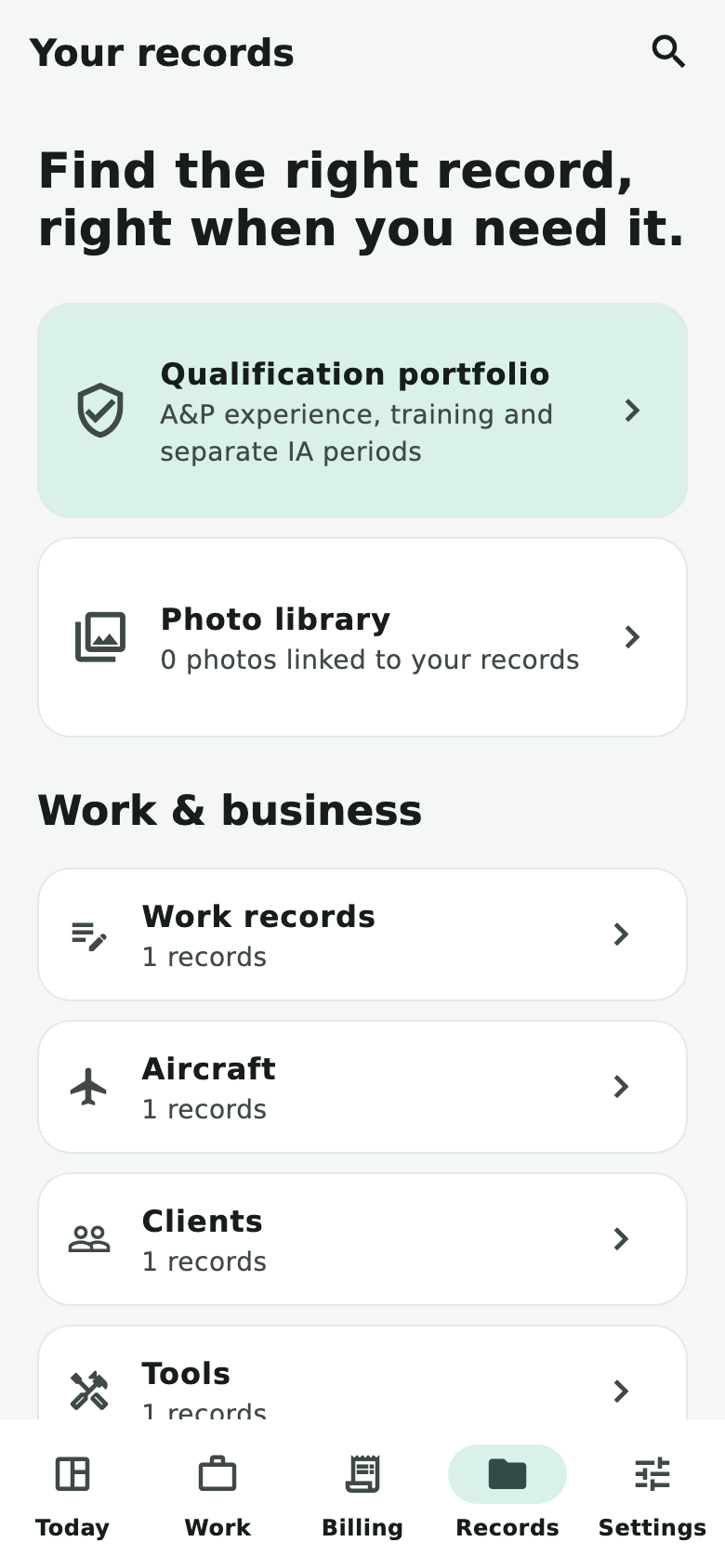
Keep customers, aircraft, tools, parts and supporting evidence organized.
Quick start
Your first few minutes.
Organize the job
Add the relevant customer and aircraft details, then link a work order and work records. Record your notes, labor time, outcomes and references.
Keep evidence with the work
Attach the original photos and supporting files you need. Keep parts, tools and qualification evidence in their relevant records.
Prepare customer paperwork
Build a quote or invoice, review its details, generate a PDF on the device and choose a sharing destination. Record payments and retain issued-document history.
Make a protected backup
Resolve pending photo-recovery items or share their originals separately. Export a password-encrypted backup and keep its password safe; there is no password-recovery service.
More than a job list
Keep the context with the record.
- Aircraft and customer details, linked work orders and record history.
- Parts, quantities, suppliers, costs and installation or removal notes.
- Tools, serial numbers, locations and user-entered calibration dates.
- Certificate copies, training, recent-experience periods and Inspection Authorization activity evidence.
- Local PDF and CSV exports, original-file sharing, and light or dark appearance.
Your records stay on your device
No Sunimod account or record server is required. Normal recordkeeping works offline. Optional store billing, external links and the destinations you choose for sharing can use online services.
Backups are manual and password-encrypted. There is no automatic multi-device sync or password-recovery service. Resolve pending photo-recovery items before backing up or share their originals separately.
Free capacity · Optional monthly Pro
Start with the essentials.
Free
- 3 clients and 2 aircraft.
- 3 active work orders, 10 tools and 25 attached files.
- 3 issued quotes or invoices combined per calendar month.
- No entry-count limit for work records, parts, qualification or experience evidence.
Pro
The optional monthly subscription removes those app count limits. Device capacity and supported file-size limits still apply. See Availability for access and pricing information.
Reading and editing existing records, exports, recording payments and encrypted backups remain available when Pro ends.
When offered, Pro renews automatically unless canceled through the store used for purchase. Apple and Google purchases are separate. Restore purchases uses the same platform account; a backup transfers records, not a subscription. Manage cancellation and refunds through the relevant store.
A recordkeeping tool for mechanics. A&P Ledger does not determine legal qualification, approve airworthiness or authorize return to service. Worksheets, portfolio exports and invoices do not replace required maintenance entries or signatures. Review the applicable current rules and your actual privileges.
Current availability
Platforms and access.
Coming to Android and iPhone. Public store availability has not been announced.
Free capacity and optional monthly Pro are described above. Store offers and pricing will be shown in the app when available.
Questions or feedback?
Talk to Sunimod.
Email admin@sunimod.com and include “A&P Ledger,” your platform and a description of the issue. Please keep customer records, certificate numbers, backup passwords and payment details out of support messages unless specifically needed and appropriately shared.
See the Sunimod website terms. App purpose, record responsibilities and subscription information are described above. App-store terms apply when you obtain the app through a store.
