
 True Link
Made by Sunimod · Mac + phone
True Link
Your Mac.
Your phone’s connection.
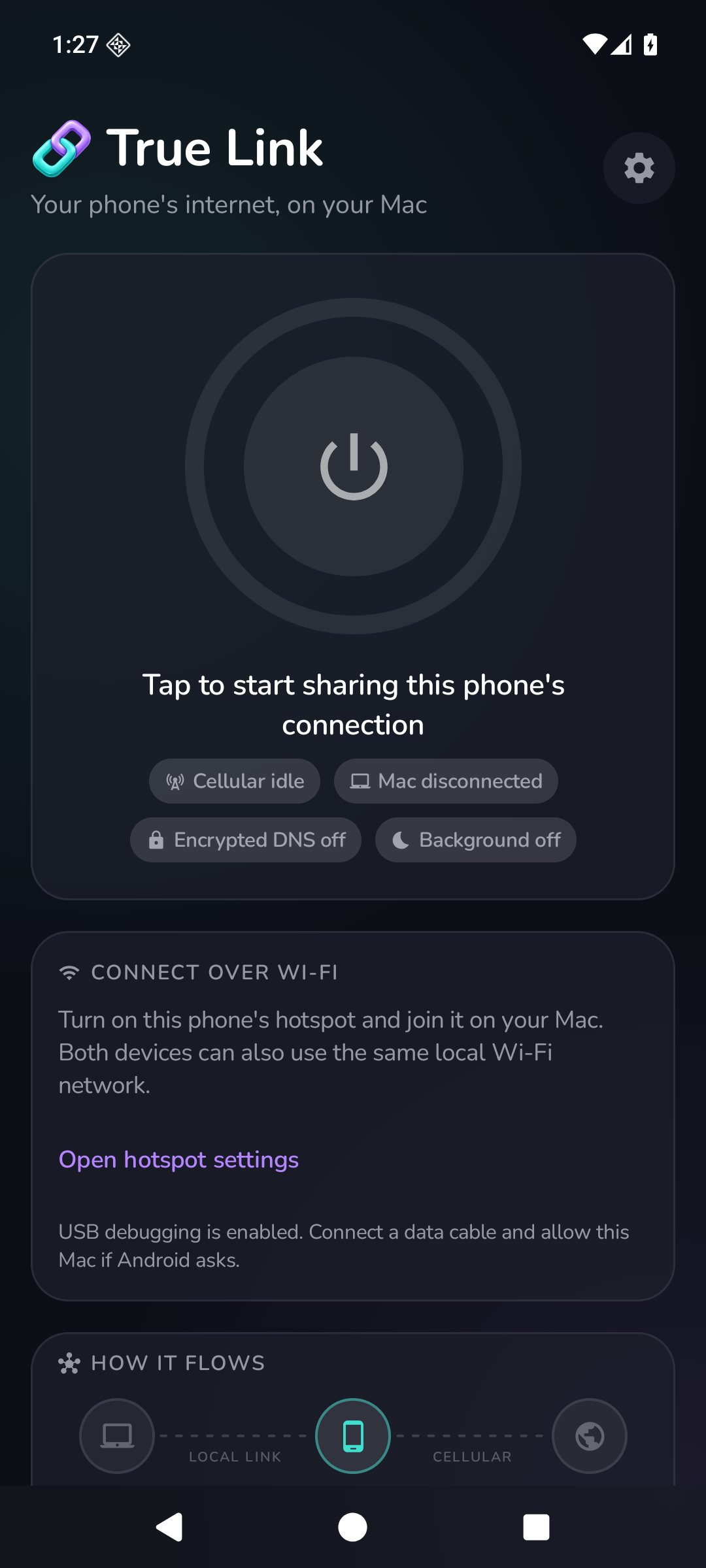
Pair your devices, start sharing, and keep an eye on your connection. True Link brings phone-to-Mac internet sharing into a focused, native interface.

A clear view of your connection
Connect once. Stay in control.
Pair once. Reconnect easily.
Use a short-lived eight-digit code to establish trust. Saved pairings let your Mac reconnect, and you can revoke a paired Mac from your phone.
Share over your local connection
Connect your Mac and phone over a local network. Android also supports an authorized USB connection. The phone opens the internet connections through its cellular service.
Know what your connection is doing
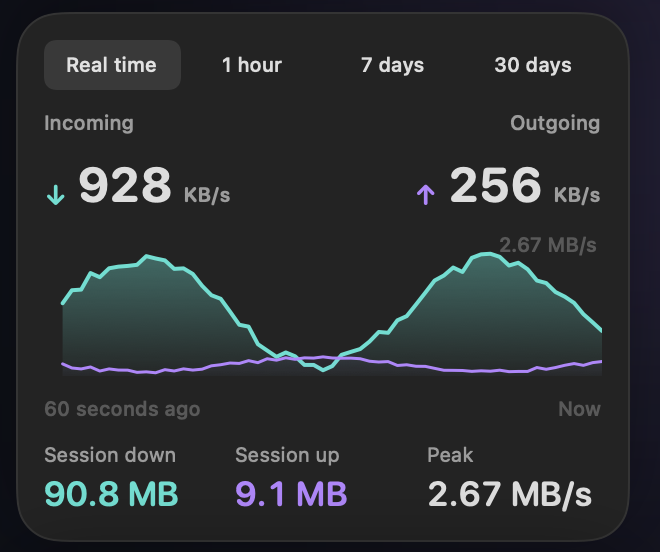
See sharing status, measured traffic, connection quality, and local history. Clear controls let you start or stop sharing and manage your paired devices.
See the bigger picture
Review real-time activity and local traffic history over 1 hour, 7 days and 30 days.
Your phone connection, on your Mac
Bring your phone’s internet connection to your Mac through a direct link between your devices. Pairing records and traffic history stay on your devices.
Pairing and DNS with protection
Authenticated pairing and encrypted DNS help you manage how your devices connect. Network operators, DNS providers and visited services still process the traffic they receive.
A familiar feel across devices
Your phone and Mac. One clear connection.
Real-time activity and 1-hour, 7-day, and 30-day history keep connection details close at hand.
Quick start
Your first few minutes.
Check compatibility
Review the platform requirements in Availability. Use a mobile plan and network that permit your intended use.
Connect and pair
Connect your Mac and phone over a local network, or use an authorized Android USB connection. Use the short-lived eight-digit code to establish trust.
Start sharing
Start the sharing session and inspect sharing status, measured traffic and connection quality. Use Help & support for setup and troubleshooting details.
Stay in control
Stop sharing when finished, review local history and revoke a paired Mac from the phone when you no longer want it connected.
Privacy with clear boundaries
No app account required.
Pair your own Mac and phone, then share the phone’s connection through a direct link. Pairing records and traffic history stay on your devices, with authenticated pairing and encrypted DNS built into the connection.
DNS providers, connectivity-check services, network operators, and the websites you visit still process the traffic they receive. True Link does not promise anonymity, carrier invisibility, or a particular billing classification.
Read the True Link privacy policy →Current availability
Built for your Mac and phone.
macOS
Private preview. Requires an Apple Silicon Mac with macOS 14 or later. Public downloads are not available yet.
Android
Private preview. Android 8 or later with compatible cellular service. No public Google Play listing or APK download is offered here yet.
iPhone
Coming to iPhone. Planned for iOS 17 or later. An App Store download is not available yet.
Use a mobile plan and network that permit your intended use. Performance and carrier billing depend on your service and environment. A Windows app is not currently available.
Questions before you connect?
Find setup guidance, compatibility details, and answers about pairing and traffic protection.
